Creating a home workspace that is both relaxing and productive is essential for anyone working from home or spending extended hours at a desk. When your workspace feels comfortable and inviting, it encourages focus and helps reduce stress, which can boost your efficiency and overall wellbeing. In this post, we’ll explore practical tips to design a relaxing home office that balances comfort with productivity.
Choose the Right Location
Seek Natural Light
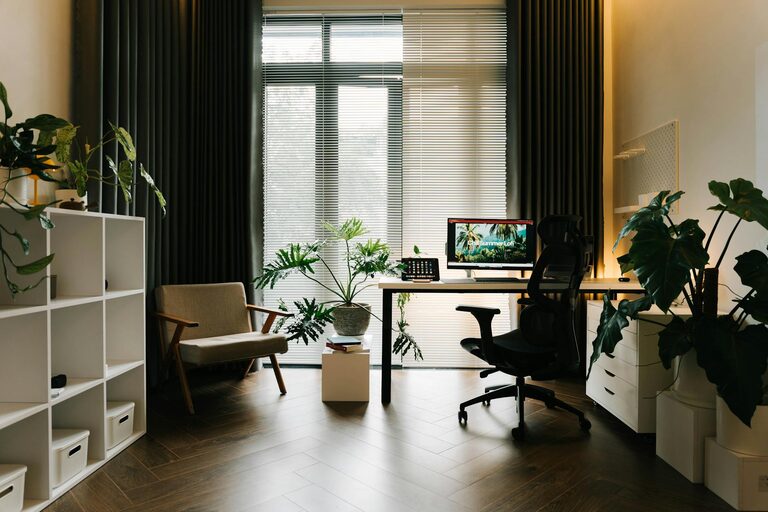
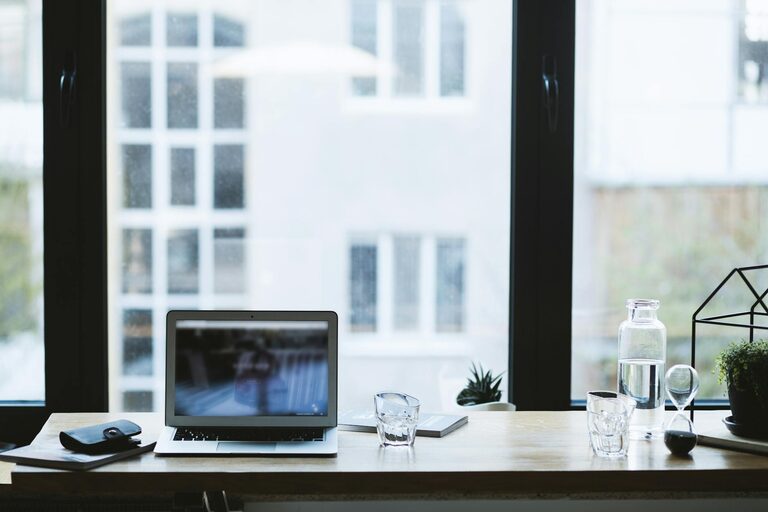
Position your workspace near a window if possible. Natural light helps maintain your circadian rhythm, improves mood, and reduces eye strain. Even a well-placed desk lamp that mimics natural light can make a difference during darker hours.
Minimize Distractions
Select a quiet corner or a room with a door to limit interruptions. If that’s not possible, noise-canceling headphones or white noise machines can help create a focused environment.
Invest in Ergonomic Furniture
Comfortable Chair
A supportive chair that encourages good posture is key. Look for adjustable chairs with lumbar support to prevent back pain during long periods of sitting.
Desk Height and Space
Choose a desk at the correct height to avoid strain on your wrists and shoulders. Your desk should also provide enough space for all necessary equipment without feeling cluttered.
Organize Your Workspace
Declutter Regularly
Keep your desk clear of unnecessary items. A clutter-free space reduces distractions and helps your mind feel less overwhelmed.
Use Storage Solutions
Shelves, drawers, and organizers can keep supplies and paperwork tidy and within reach. Label storage containers to quickly find what you need.
Add Calming Elements
Plants and Greenery
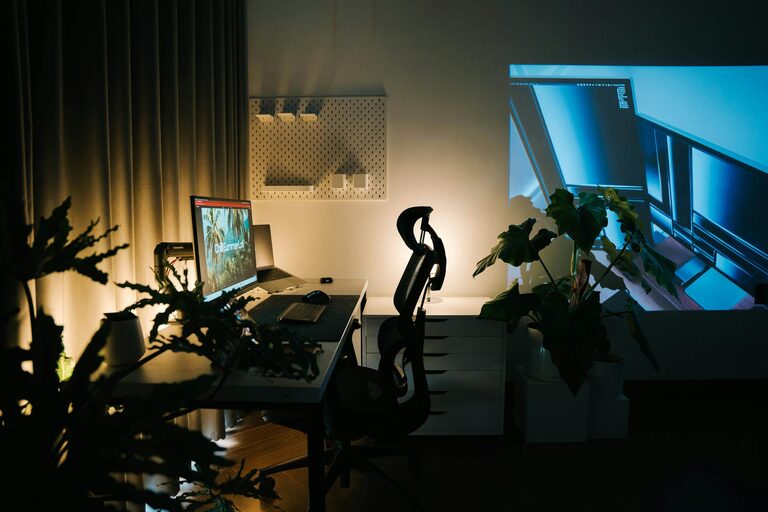
Incorporating plants into your workspace can improve air quality and add a calming, natural touch. Low-maintenance plants like succulents or snake plants are ideal for busy days.
Soothing Colors
Choose soft, neutral colors or tones that you personally find soothing. Gentle blues, greens, and warm neutrals often create a relaxing atmosphere.
Personal Touches
Include items that make you happy, such as photos, artwork, or inspiring quotes, but avoid overcrowding your desk.
Manage Lighting Effectively
Adjustable Lighting
Use desk lamps or adjustable overhead lights so you can control brightness throughout the day. Avoid harsh, glaring lights that can cause headaches or eye fatigue.
Screen Position and Brightness
Position your computer screen to reduce glare from windows or lights. Adjust screen brightness and consider “blue light” filters during late hours.
Incorporate Break and Movement Areas
Dedicated Break Space
If possible, create a small area nearby where you can step away to relax or stretch during breaks. This helps your brain recharge and increases productivity.
Encourage Movement
Set reminders to stand, stretch, or take short walks. Some people use standing desks or desk converters to alternate between sitting and standing.
Manage Technology Smartly
Cable Management
Use clips, ties, or cable organizers to keep cords neat and prevent them from tangling. A tidy tech setup feels less chaotic.
Essential Equipment
Keep only the devices and accessories you really need at your desk to avoid clutter. Wireless devices can reduce cable mess.
Maintain Air Quality and Comfort
Ventilation
Ensure your space has good air circulation. Fresh air can boost concentration and reduce feelings of fatigue.
Temperature Control
Adjust the room temperature or use fans and heaters as needed to maintain a comfortable environment.
Set Boundaries and Routines
Work Hours
Establish clear times for work to maintain balance and avoid burnout. Communicate these boundaries with household members if needed.
Morning Rituals
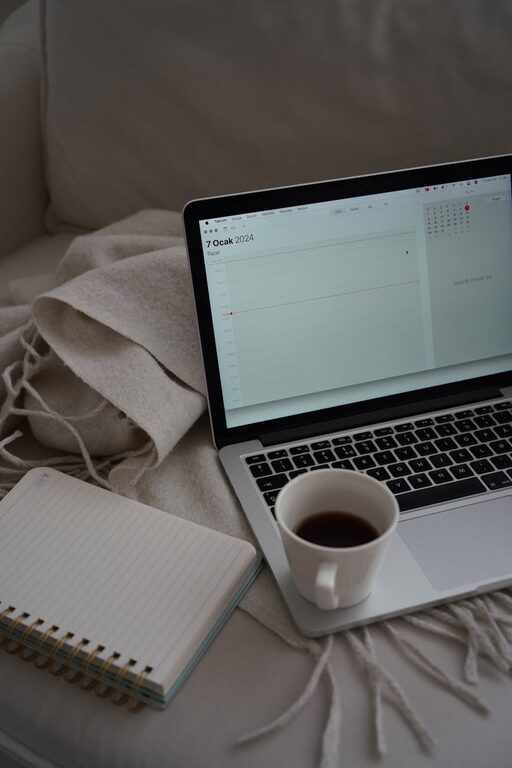
Start your day with a consistent routine to prepare mentally for work, such as tidying your desk or making a cup of tea.
—
By thoughtfully arranging your home workspace, you create an environment that supports your productivity and comfort. Small changes like natural light, ergonomic furniture, and calming décor can make a big difference in how you feel and perform throughout the workday. Take time to assess your current setup and implement these tips to enjoy a more relaxed and efficient workspace at home.
About the Author