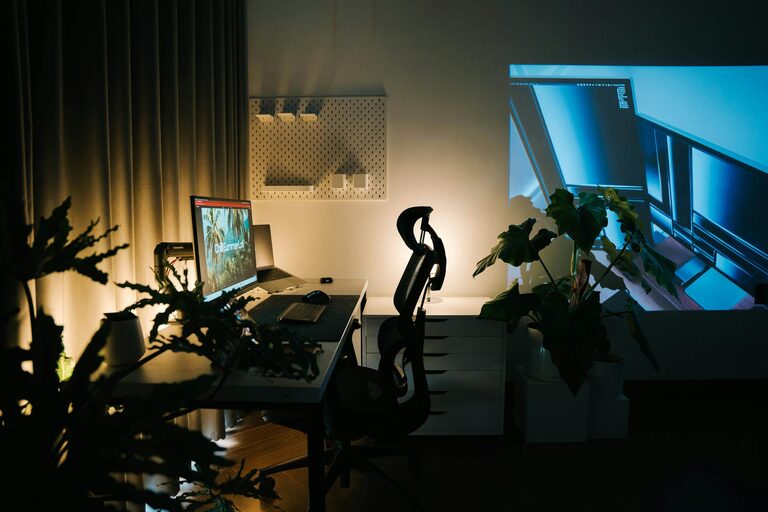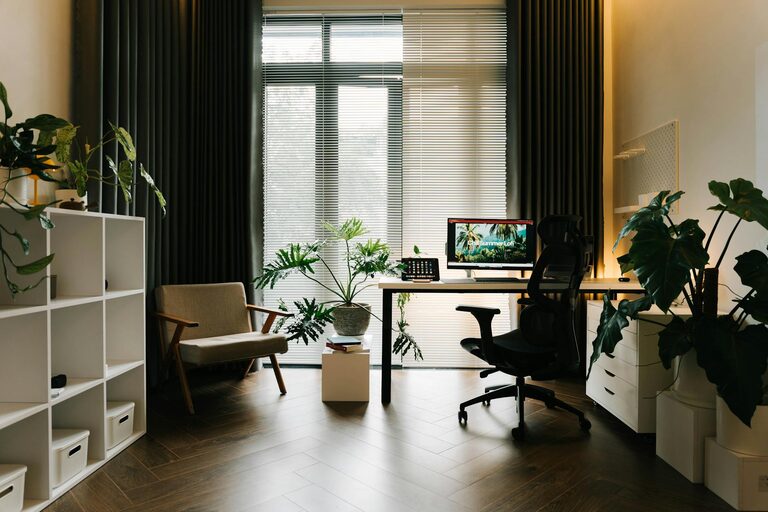

Creating a home office that feels both cozy and productive can significantly improve your work-from-home experience. Whether you need a quiet corner or a full-room setup, the right environment helps boost focus, creativity, and comfort. This guide shares practical tips to help you design a space that balances warmth and efficiency.
Why a Cozy and Productive Space Matters
A well-designed home office supports your daily tasks while making you feel at ease. Comfort reduces distractions, while thoughtful organization helps you stay on top of your work. Taking time to create an inviting space can also reduce stress and improve your overall well-being.
Choosing the Right Location
Find a Quiet Spot
Start by selecting a quiet area that minimizes interruptions. Ideally, choose a room or corner away from high-traffic areas to keep noise and distractions at bay.
Consider Natural Light
Natural light boosts mood and energy, so try to position your desk near a window. If natural light is limited, invest in good-quality artificial lighting that mimics daylight.
Ensure Adequate Space
Make sure you have enough room for your desk, chair, and any equipment or materials needed. A cramped area can feel uncomfortable and limit productivity.
Investing in Comfortable Furniture
Choose an Ergonomic Chair
Comfortable seating is crucial. Look for an ergonomic chair that supports your posture and reduces strain during long hours of work.
Select a Functional Desk
Your desk should fit your workflow. Whether you prefer a large surface for multiple monitors or a compact design for a laptop, pick one that suits your needs.
Add Footrests or Cushions
Additional accessories like footrests or seat cushions can enhance comfort, especially if you spend hours sitting.
Organizing Your Workspace
Keep Essentials Within Reach
Organize your most-used items so they’re easy to access. This includes stationery, chargers, and notebooks.
Use Storage Solutions
Incorporate shelves, drawers, or organizers to keep clutter off your desk. Regularly declutter to maintain a tidy and welcoming environment.
Cable Management
Use cable clips or sleeves to keep cords organized and prevent tangling, which can create both distraction and hazards.
Personalizing Your Space
Add Plants
Houseplants bring life to the room and can improve air quality. Choose low-maintenance options like succulents or pothos.
Use Artwork or Photos
Decorate with pictures or artwork that inspire you but avoid overwhelming your workspace.
Incorporate Cozy Textiles
Soft rugs, throw blankets, or cushions add warmth and texture, making the space more inviting.
Optimizing Lighting
Layer Your Lighting
Combine ambient, task, and accent lighting for a balanced setup. A desk lamp provides focused light, while softer ambient lighting reduces eye strain.
Adjust Screen Brightness
Keep your computer screen brightness in line with room lighting to reduce eye fatigue.
Creating Productive Habits
Set a Routine
Designate specific work hours to help separate work time from relaxation time.
Take Regular Breaks
Short breaks improve focus and prevent burnout. Stand up, stretch, or walk around every hour.
Minimize Distractions
Turn off non-essential notifications and consider noise-canceling headphones if needed.
Final Thoughts
Designing a home office that blends coziness with productivity is a personal journey. By combining thoughtful furniture, organized storage, and personal touches, you can create a space that supports your work and makes you look forward to your day.
Invest time in setting up your ideal workspace—it’s an investment in both your comfort and your professional success.
About the Author